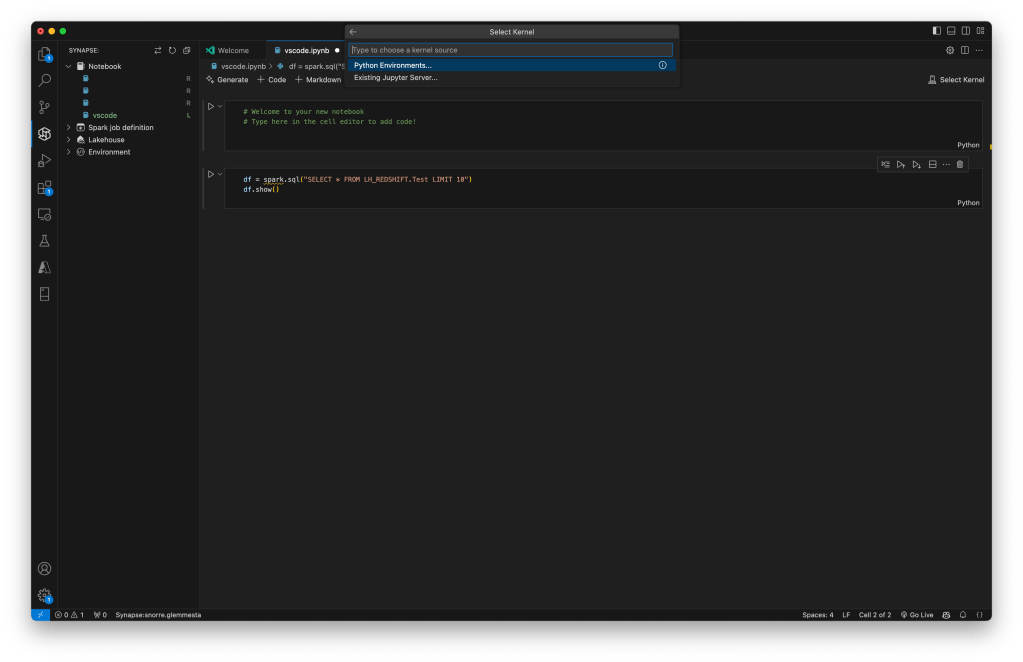
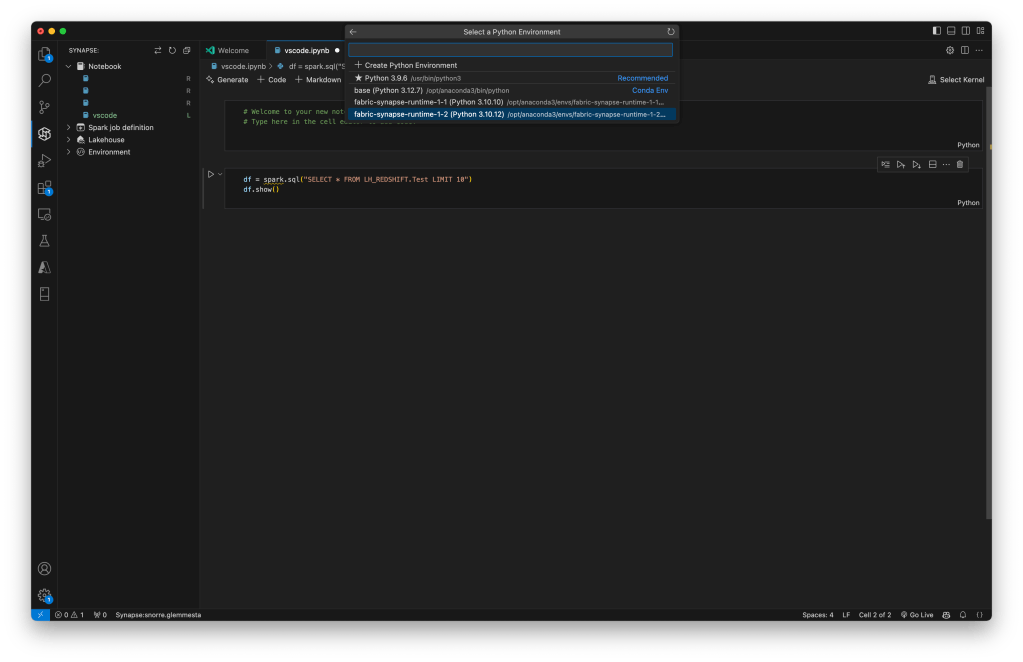
In this step-by-step guide, you will learn how to connect Visual Studio Code to Fabric on a Mac Silicon. This lets you write and run notebooks in Visual Studio Code, using the Fabric kernel to execute your code. By connecting Visual Studio Code to Fabric, you can take advantage of the powerful features of GitHub Copilot to be more productive in your code writing.
Prerequisites
- Visual Studio Code
- Java Development Kit(JDK) from OpenJDK8
- Anaconda
- Jupyter extension for VS Code
For the latest updated information, please refer to the official Microsoft documentation.
Step 1: Connect and Select Workspace in vscode

Log in to your account, select local folder on your machine, and select your workspace in Fabric.
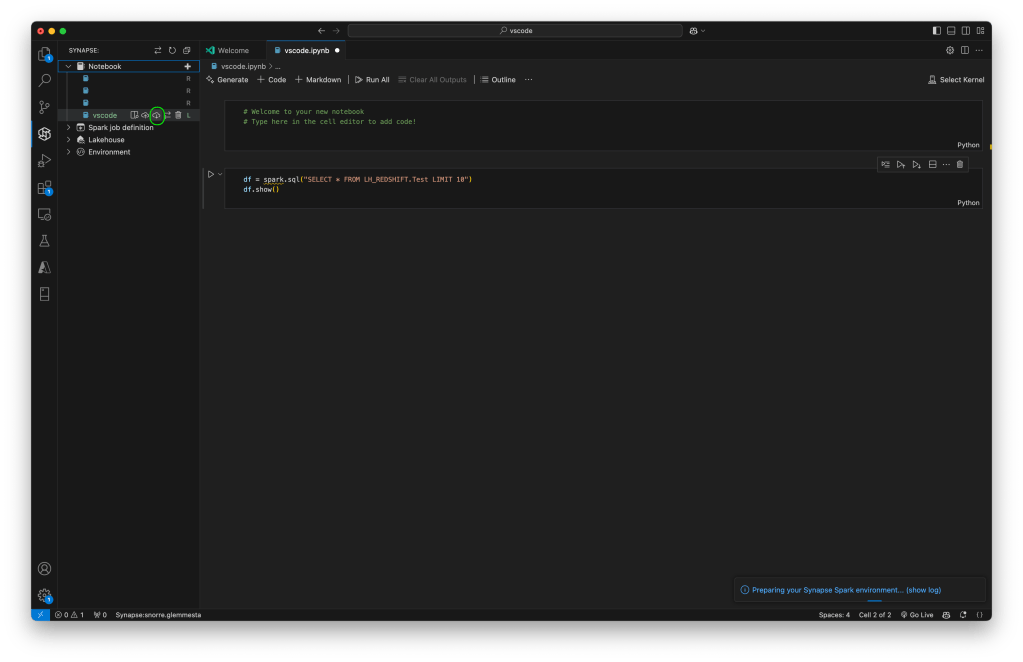
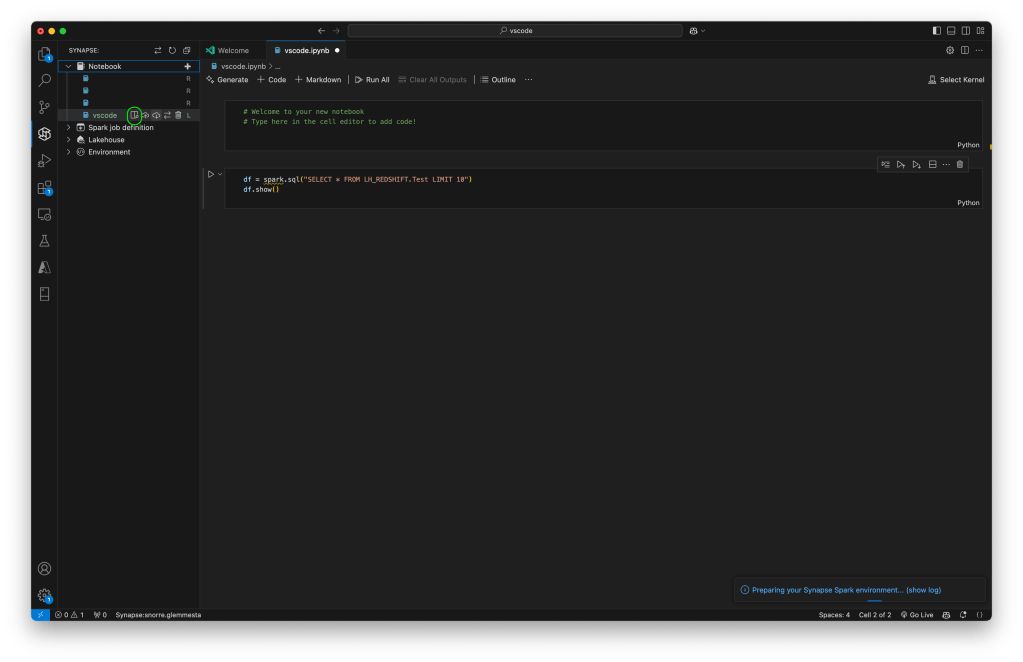
Step 2: Make it ready locally

Enjoy!

 Snorre Glemmestad